
Last Updated: Mar 11, 2026
Introduction
Phoenixd by ACINQ is a specialized Lightning node that provides liquidity and channel management out-of-the-box. LNbits provides support for a number of different backend nodes including Phoenixd so let's take a look how to run them both together on Nodana.
Step 1
Deploy a Phoenixd node instance and make sure you choose "internal" for the network to ensure that communication is over the private internal network.
Step 2
Deploy an LNbits instance ensuring that you entered your node's internal url and password before clicking Deploy.
Step 3
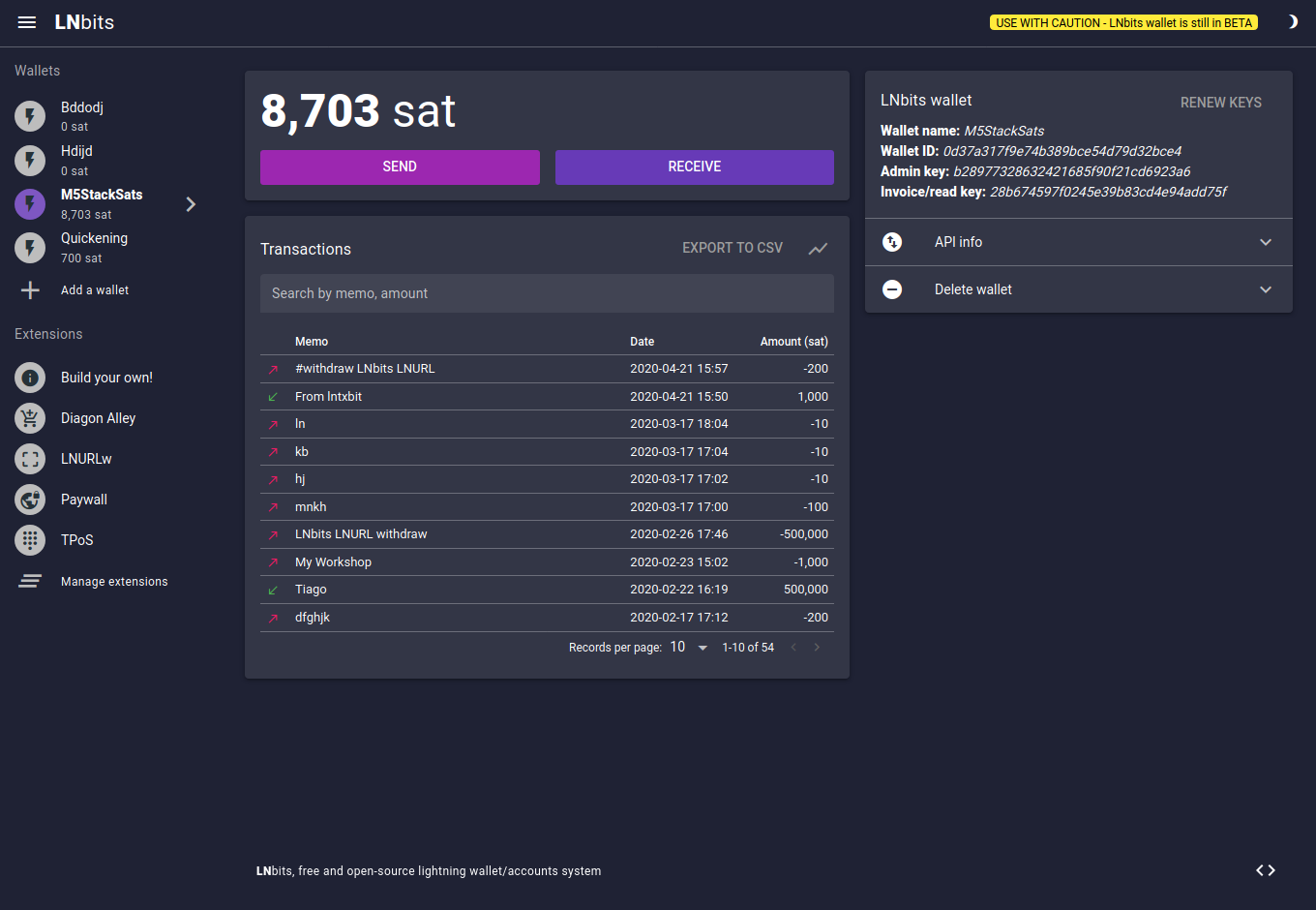
Access your LNbits url. You should see that it will automatically start with a Phoenxid node backend.